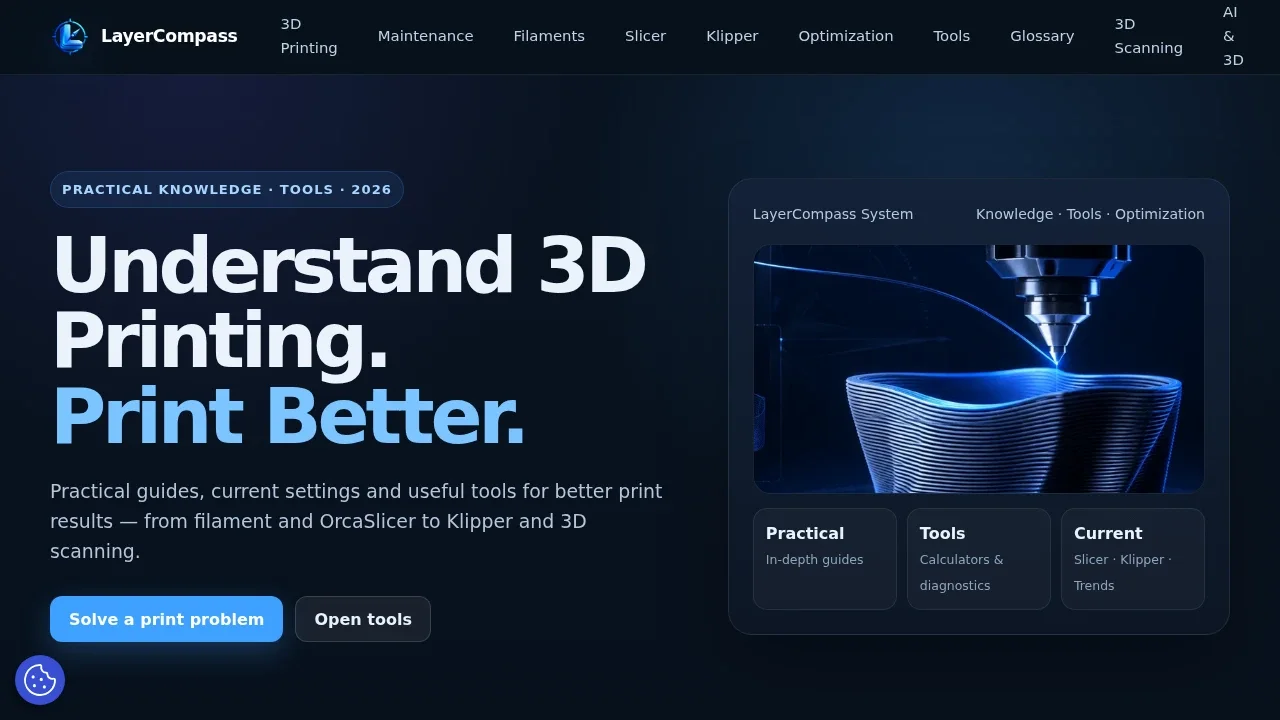
LayerCompass combines practical 3D-printing knowledge with tools that help users make an actual decision. It is designed as a connected reference platform rather than a collection of isolated articles: explanations, calculators, selectors and diagnostic paths are meant to work together.
Built for real printing decisions
Most 3D-printing questions appear while a part is being planned, sliced or printed: Which material fits the job? What will the print cost? Which nozzle and layer height make sense? Will the model fit the build plate? Why did it warp, string or come out dimensionally wrong? LayerCompass structures these questions around practical workflows.
Tools that turn information into action
Filament Selector
The Filament Selector narrows material choices according to the intended use instead of simply presenting a list of PLA, PETG, ABS and other materials. The goal is to connect properties and use cases to a practical recommendation path.
Print Cost Calculator
The cost calculator helps estimate what a print actually consumes by combining material use with relevant inputs. It is useful for comparing variants, understanding real print cost and planning repeat jobs more consistently.
Nozzle, layer and speed helpers
These tools explain the trade-offs between nozzle diameter, layer height, speed and output quality. Rather than presenting one “correct” value, they provide a stronger starting point for the specific model and printer setup.
Scale Converter and Scale & Fit
Scaling tools convert model dimensions and help determine whether a part fits a particular build volume. This is especially useful for downloaded models, miniatures, replacement parts and projects that need to move between different scales.
Structured troubleshooting
Diagnostic paths connect visible print defects with likely causes and relevant fixes. This makes troubleshooting more useful than a single giant list of symptoms, especially when several settings can create a similar-looking problem.
Knowledge beyond the calculators
- filament, slicer and print-setting guides
- dimensional accuracy, skew and calibration topics
- maintenance guidance and recurring printer checks
- 3D-scanning guides and model workflows
- browser-based STL and model utilities
- current topics around Klipper, OrcaSlicer and practical optimization
Why the platform can keep getting better
Every new guide can connect to an existing tool, diagnostic path or reference page. The aim is for LayerCompass to become easier to use as it grows: content explains the background, while the tools shorten the path from understanding a problem to doing something about it.